
Logging In
On the right side of the site's top navigation, you'll see a link that either says "Log in" or "Log out". If you are not currently logged into a site account, the navigation will say "Log in". Anonymous visitors have limited access to the web site.
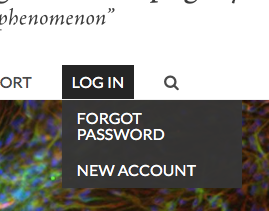
Clicking the "Log in" navigation link will take you to the user login page. There you will enter your assigned username and password.
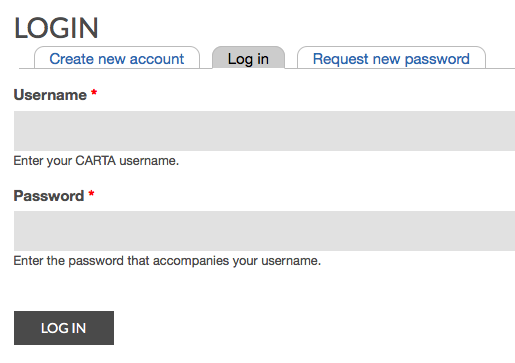
If you do not know or have forgotten your site username or password, you can either follow the Request New Password procedure, or you can email the CARTA Administrators for assistance.
Authenticated User
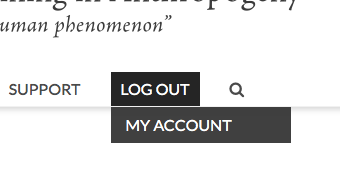
Once you log into your site account, you will see navigation items to "Log out" and visit your profile page ("My Account").
Notice that if you're already logged into your site account, you will NOT see the "Login", "Create New Account", or "Request New Account" links because you're already logged in.
Logging Out
Click the "Log Out" link in the navigation once you've finished using your account for an extended period.

